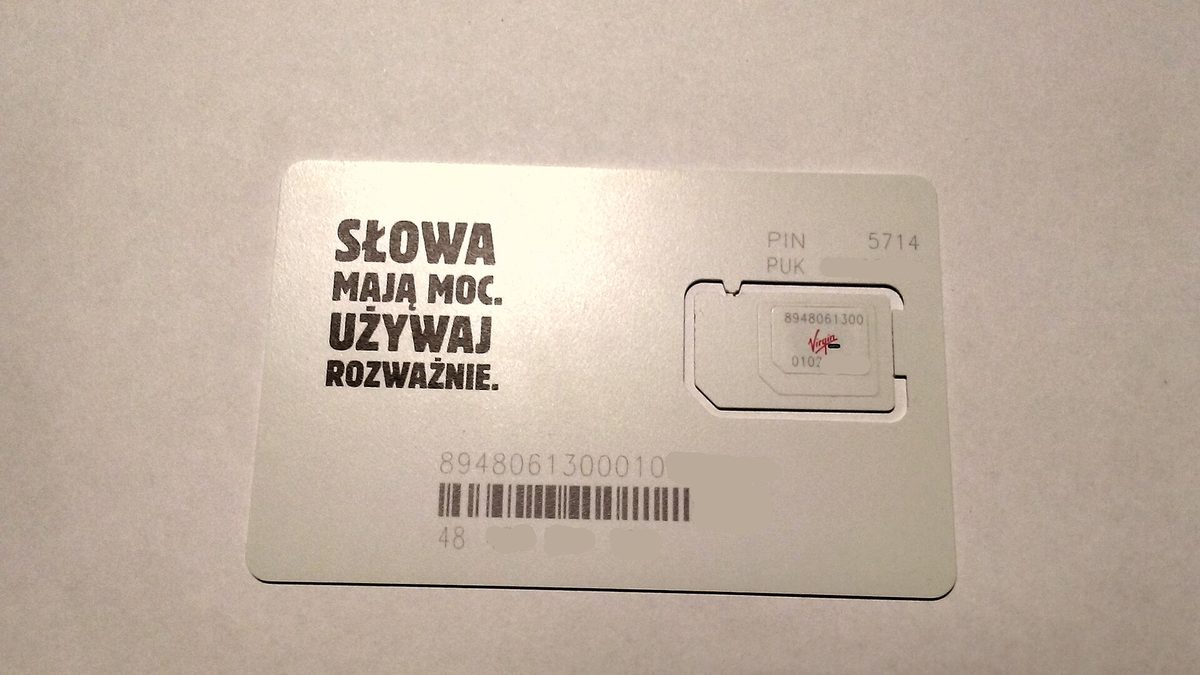
Philippines SIM Card and eSIM Guide for Tourists
The short version: if your handset supports eSIM, buy a travel eSIM before you fly so you land already online. If it does not, grab a Globe or Smart tourist SIM at the official airport counter and skip the touts. Both cover the places you will actually go.
The quick verdict: who should buy what
Staying connected in the Philippines is easy in 2026, but the right choice depends on your phone and your trip. Here is how it breaks down.
- eSIM-capable phone, want it working on landing: buy a travel eSIM (Airalo, Nomad, or Holafly) before departure. No passport registration, activates in minutes, and you keep your home number live for two-factor codes.
- Older phone or no eSIM slot: a Globe or Smart physical tourist SIM from the official counter at Manila or Cebu airport. You will register it with your passport on the spot.
- Long stay, heavy data, or you are watching every peso: consider DITO for the price, but only as a second SIM and only if you will be in cities. More on that below.
- Group or family who all need data off one connection: a pocket WiFi rental can be cheaper than several SIMs, with caveats.
Philippines SIM card and eSIM options at a glance
Prices below are rough 2026 figures and move with promos and the exchange rate (I have used roughly ₱63 to the US dollar). Treat them as ballpark, not gospel.
| Option | Rough 2026 price | Data | Registration needed? | Best for |
|---|---|---|---|---|
| Globe physical tourist SIM (airport) | ~₱2,000–3,000 ($32–$48) | ~131–262GB, 30 days, unlimited calls/texts | Yes — passport | Wide, consistent coverage; no-fuss arrival |
| Smart physical tourist SIM (airport) | ~₱2,000–3,500 ($32–$55) | Unlimited data, 30 days, some call minutes | Yes — passport | Fast speeds, strong island reach |
| Travel eSIM (Airalo / Nomad / Holafly) | ~$4–$75 by data/days | 1GB to unlimited; 7–30 days | No — just email | eSIM phones; online before you land |
| DITO physical SIM or eSIM | ~₱99 ($2) for the Level-up 99 eSIM | 9GB; 15 days | Yes — passport (physical) | Cheap data where DITO has coverage |
| Pocket WiFi rental | ~₱150–400/day ($3–$7) | Shared, often “unlimited” with fair-use cap | Handled by rental shop | Groups; multiple devices |
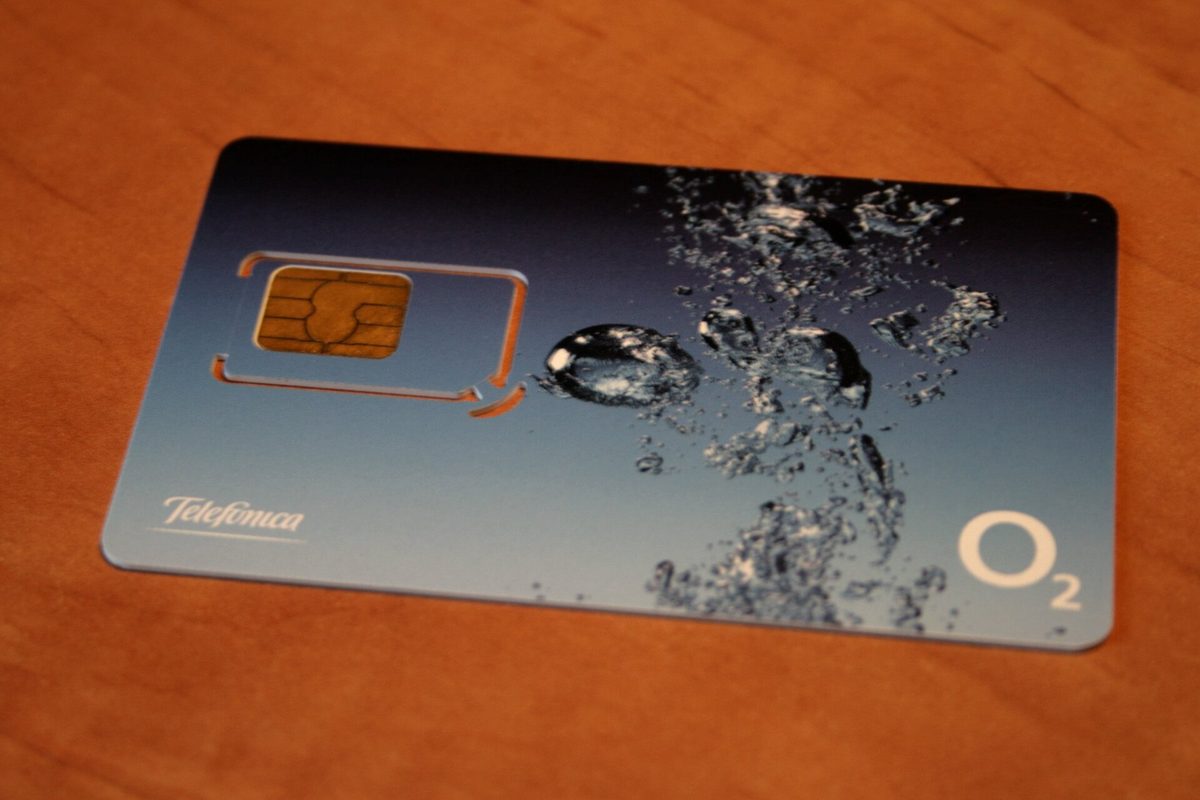
Before you fly: sort this out at home
The single biggest connectivity mistake I see is leaving the decision until the jet-lagged scramble in the arrivals hall. Five minutes of prep at home removes almost all the friction.
- Check your phone is unlocked. Every local SIM and every travel eSIM needs an unlocked handset. If you bought your phone on a carrier contract, confirm it is unlocked before you leave; your home carrier can usually do this, sometimes instantly, sometimes after a short wait.
- Confirm eSIM support. Your settings menu will tell you whether the phone can add an eSIM (look for “Add eSIM” or “Add Mobile Plan”). Many recent phones qualify, but plenty of budget and older models do not.
- Decide your plan before wheels-up. Going eSIM? Buy and install it while you still have home WiFi, then leave it switched off until you land. Going physical? Just know which network and which tourist plan you will ask for at the counter.
- Turn off home data roaming. Before you board, disable data roaming on your home line so it cannot quietly rack up charges while your local SIM or eSIM does the work. Keep the home line on for SMS two-factor codes only.
Connectivity belongs on the same pre-trip checklist as adapters and reef-safe sunscreen; our packing list covers the rest of the gear, and budgeting your data spend sits naturally alongside planning your money in the Philippines, since both reloads and eSIM top-ups can run off the same travel card.
Globe vs Smart: the honest 2026 comparison
This is the question I get most, and the answer is closer than the internet pretends. Globe and Smart are the two dominant networks, and both will keep you online in every major destination. The differences show up at the edges.
Globe took Ookla’s award for the most consistent mobile network in the second half of 2025. In plain English: Globe rarely drops to a useless signal. That consistency is why I lean Globe for trips that string together cities, ferries, and provincial towns where you just want a bar or two that actually works.
Smart tends to win on raw peak speed and has historically had the more aggressive rural and island build-out. If your itinerary leans heavily toward remote beaches and dive towns, Smart is the safer single SIM.
Who wins where
- Metro Manila, Cebu City, Davao, Boracay: a near-tie. Both deliver fast 4G/5G. Pick on price.
- Remote islands and dive towns (Siargao, Coron, smaller Visayas): slight edge to Smart for reach.
- Long multi-stop trips where reliability matters most: slight edge to Globe for consistency.
- The truly paranoid: buy a Globe tourist SIM and a cheap DITO or Smart SIM, and switch when one falters. Dual-SIM phones make this painless.
Buying a physical SIM: the how-to (and the SIM Registration Act)
If you are going physical, here is the whole process, including the legal bit that trips people up.
The SIM Registration Act, explained for tourists
Since the SIM Registration Act (Republic Act No. 11934) took effect in late 2022, every physical SIM in the Philippines must be registered to a real identity before it will activate. As a tourist you register with your passport bio page and your local address (your hotel is fine); having your visa stamp and a return ticket handy helps. The good news: at official airport and store counters, the staff do the registration for you in a couple of minutes. A tourist-registered SIM is typically valid for around 30 days, then deactivates, which matches the tourist data plans anyway.
Where to buy at Manila airport (and avoid the “free SIM” touts)
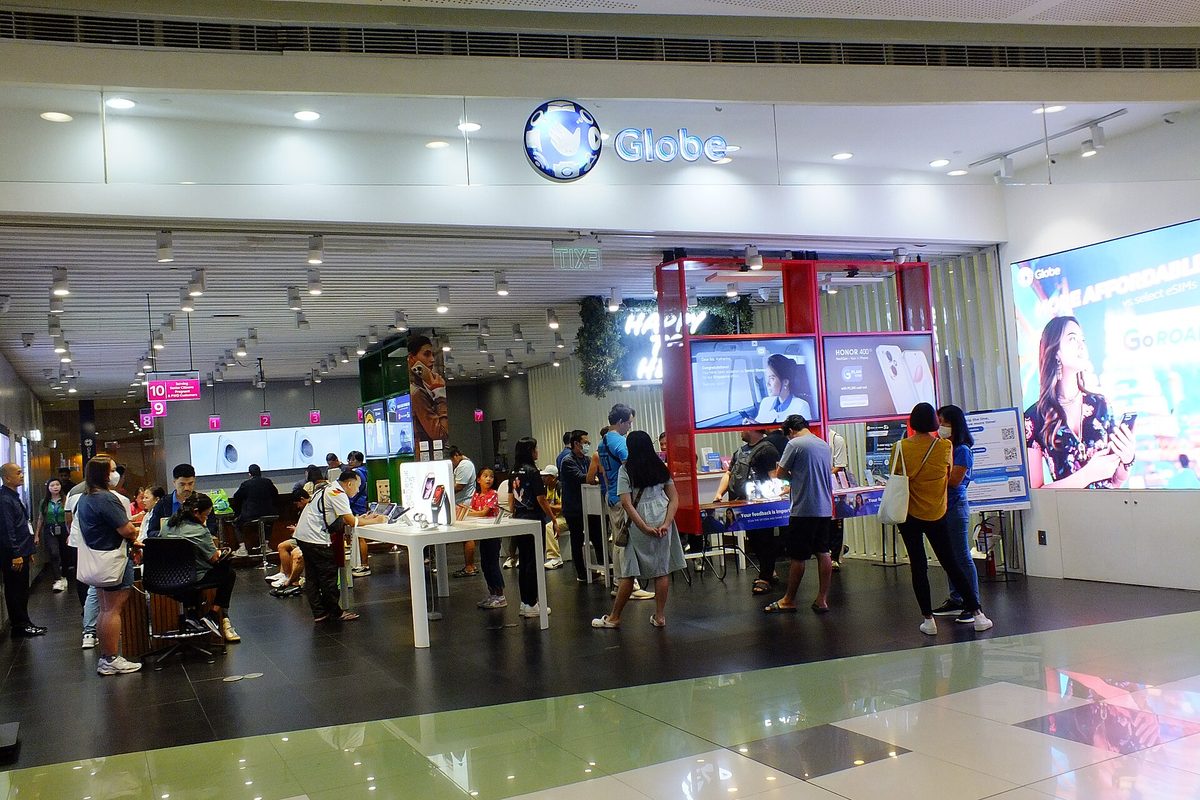
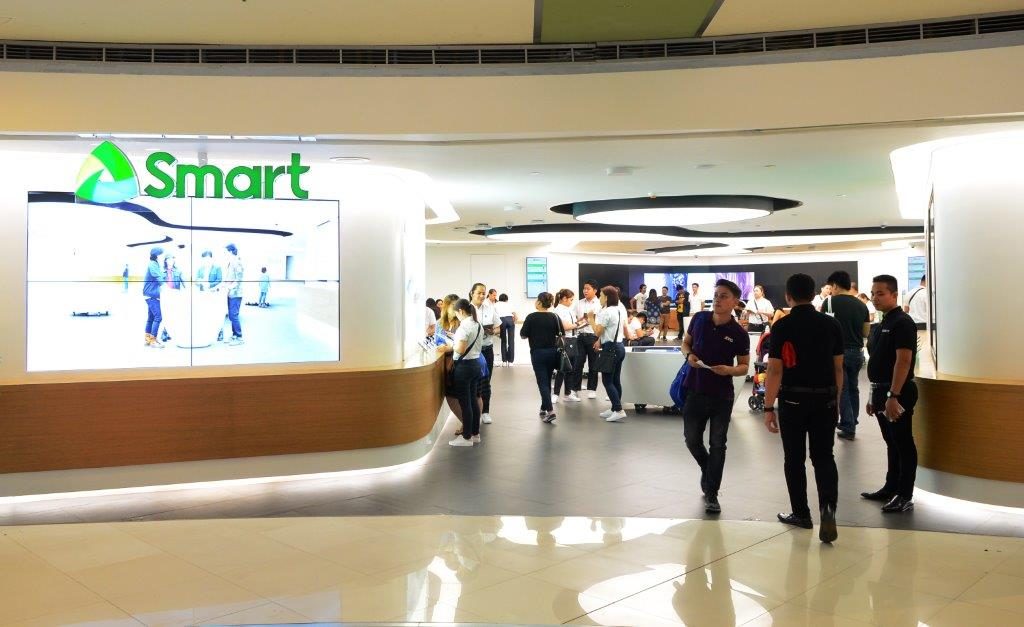
Yes, you can buy a SIM the moment you land. Globe sells SIMs and activates eSIMs at its store in the NAIA Terminal 3 arrivals area, and Smart sells its prepaid eSIM at Smart booths in the Philippines’ international airports. Ask at the desk which payment methods it takes. This is where you want to be.
The trap is the cluster of people near the exits waving “free SIM” signs. The SIM may be free, but whatever load comes bundled with it is not. Walk to the branded Globe or Smart desk, ask to see the tourist data plans, and pay the posted price.
What it costs
At the airport in 2026, Globe’s tourist SIMs run roughly ₱2,000 for about 131GB, ₱2,500 for about 200GB, and ₱3,000 for about 262GB, all 30-day with unlimited calls and texts and 5G-ready. Smart’s tourist SIMs sit in the same ₱2,000–3,500 band with unlimited data and a tier of call minutes. These are tourist prices; a SIM bought later at a mall or convenience store with a smaller promo loaded can be cheaper, but for most visitors the airport convenience is worth the small premium.
eSIM in depth: the option I now reach for first
If your phone supports eSIM, this is usually the smoothest way to land connected. An eSIM is a digital SIM you install from a QR code, so there is no plastic to swap and, crucially, no in-person registration because you are buying from an international provider, not a local telco at retail. You buy online, get a QR code by email, scan it, and it connects to a Philippine network the moment you land. Your home SIM stays in the phone for calls and bank codes.
The main brands and rough prices
- Airalo — the popular default. Around $4.50 for 1GB/7 days, $9.50 for 3GB, $13 for 5GB, $21 for 10GB, and $32 for 20GB on 30-day plans. Runs on a local network; reliable nationwide for the price.
- Nomad — often the cheapest, from about $4, with larger buckets ($27 for 20GB, $35 for 30GB) and 5G support on recent plans. My pick when I want a lot of data cheaply.
- Holafly — sells unlimited data by duration (about $20.50 for 5 days up to $73.90 for 30), with 24/7 support. Worth it if you are a genuinely heavy user and hate watching a data meter.
- Globe and Smart eSIMs — both local networks now sell tourist eSIMs too (Globe’s Traveller eSIM is around ₱1,750), so you can get a local plan digitally if you prefer the carrier directly.
The catches worth knowing
Two things. First, many travel eSIMs are data-only with no local phone number (check before buying), which is fine for WhatsApp, Grab, and maps but means no SMS-based calls to a Philippine landline. Second, your phone must be unlocked and eSIM-compatible, so confirm both in its settings before you assume. Install the eSIM while you still have home WiFi, and only switch it on after you land.
How to install a travel eSIM, step by step
The process intimidates first-timers and then turns out to take two minutes. Here is exactly what I do:
- Buy the plan in the provider’s app or website before you leave home, paying with a normal card. You will receive a QR code and an email confirmation.
- Add the eSIM while on home WiFi. Open Settings, find the mobile or cellular section, choose Add eSIM, and scan the QR code. The eSIM installs as a second line alongside your home SIM.
- Label the lines so you do not get confused: name your home line “Home” and the new one “Philippines” or similar.
- Turn the eSIM data off for now and leave home data roaming off too. Nothing is using paid data yet.
- On landing, switch the eSIM on as your data line, set your home line to calls-and-texts only, and toggle home roaming off. Within a minute you should see a Philippine network.
If it does not connect immediately, toggle airplane mode on and off, and check that the eSIM is selected for mobile data. Activation windows vary: most plans start counting their validity from first connection in the Philippines, not from purchase, but read your provider’s terms because a few start the clock on install.
DITO: cheap, fast in cities, check coverage elsewhere
DITO is the third network, and its pitch is price. You can find a DITO eSIM for ₱99 with 9GB for 15 days, and for a fixed connection at your accommodation, DITO’s Home 5G WiFi kit has a ₱590 plan capped at 100GB for 30 days. In Metro Manila, Cebu, and other covered cities, DITO can be genuinely fast and absurdly cheap.
The honest caveat: check DITO’s coverage map for your route before you rely on it outside the cities, and note that a physical DITO SIM only works on VoLTE-capable phones, so an older handset may not connect at all. I would not make DITO my only SIM for an island-hopping trip. As a cheap second SIM for a city-heavy stay, it is hard to beat.
Loading a data promo and managing your plan
Your tourist SIM usually arrives with a data plan already active, but eventually you may want to top up. Each network has an app and a dialer shortcut:
- Globe: buy a GoSURF or tourist data promo in the GlobeOne app, or dial *143# for a menu. Reload (load credit) is sold everywhere — convenience stores, malls, even sari-sari shops — then convert it to a data promo in the app.
- Smart: the Smart app (formerly GigaLife) is where you browse and buy prepaid promos; the dialer menu is *123#. Same reload-then-register flow.
- DITO: manage everything in the DITO app.
You can top up online with an international card if you would rather not buy physical reload. Set a data-usage alert in your phone settings so a stray auto-playing video does not quietly burn your bucket.
How much data will you actually use?
Tourist data buckets in the Philippines are huge, which is a relief, but it helps to right-size your spend so you neither run dry nor overpay. Here is a realistic guide:
- Light user (maps, messaging, the odd photo upload): 5–10GB covers a week comfortably. A small Airalo or Nomad eSIM is plenty.
- Average user (social media, some streaming, navigation): budget 1.5–2GB a day, so 15–20GB for a two-week trip. Either a mid-tier eSIM or any airport tourist SIM buries this.
- Heavy user or remote worker (video calls, uploads, hotspotting a laptop): go unlimited — a Holafly eSIM, or a Smart unlimited tourist SIM.
A few things quietly eat data: auto-playing video in social feeds, cloud photo backup over mobile, and app updates. Set photo backup and app updates to “WiFi only,” and you will be surprised how far a modest plan stretches. If you are using your phone to book and check domestic flights on the move, or to navigate a first day in the capital with our Manila travel guide, those are tiny data costs next to a single hour of streaming. Long-stay and shoestring travellers should weigh a cheap eSIM topped up as needed against one big airport SIM — over a month, frequent small eSIM top-ups can work out cheaper if you are disciplined.
Coverage reality by region (and your offline backup)
Across the cities and headline destinations, coverage is good to excellent: expect fast 4G almost everywhere and 5G in the metros and tourist hubs. The picture changes on smaller islands, in mountain barangays, and on long boat crossings, where signal thins or disappears regardless of network. This is not a flaw to engineer around so much as a fact of an archipelago of thousands of islands.
The one backup worth setting up before you go remote: download offline maps for your route. Google Maps lets you download an area and navigate offline, and Organic Maps is an offline maps and GPS app. Cache your ferry and flight bookings as screenshots too. Because local transport (Grab needs data) leans on a live connection, a downloaded map and a screenshot of your hotel’s address in the local script is cheap insurance for the moments your bars vanish.
Pocket WiFi and hotel WiFi
If several of you need data from one connection, a pocket WiFi rental (a small mobile hotspot, roughly ₱150–400 a day) can undercut buying three or four SIMs, and you pick it up and drop it at the airport. The downsides: it is one more gadget to charge, it only covers wherever its single network has signal, and “unlimited” rentals usually have a fair-use throttle. For a couple, two eSIMs are simpler; for a family of five, pocket WiFi often wins.
Hotel and cafe WiFi is widespread but wildly inconsistent — great in a Makati business hotel, barely there in a beach bungalow. Treat it as a bonus for big downloads, not your primary connection. Never do banking on open hotel WiFi without a VPN.
Cost comparison and my honest pick
For a typical one-to-two-week trip, here is the rough math. A travel eSIM with 10–20GB lands around $17–$32 and you are online the second you land, registration-free. An airport physical SIM is ₱2,000–3,000 ($35–$52) but buries you in data and includes local calls. DITO can keep a city-based traveller’s data costs to a few dollars if you accept the coverage trade-off. Pocket WiFi makes sense only for groups.
My honest pick has not changed since the first paragraph: get an eSIM before you fly if your phone supports it; otherwise buy Globe or Smart at the official airport counter. Lean Globe for consistency on multi-stop trips, Smart if you are headed deep into the islands. Whatever you choose, save offline maps. That is the whole game. If you are still mapping out the trip, our guide to getting around the Philippines ties this together with ferries, flights, and city transport.
Frequently asked questions
Can I buy a SIM at Manila airport?
Yes. Globe’s store in the NAIA Terminal 3 arrivals area sells SIMs and sets up eSIMs, and Smart sells prepaid eSIMs at its booths in Philippine international airports. Ask the staff to help you register a physical SIM to your passport. Just buy from the branded desk, not the “free SIM” touts near the exit.
Is eSIM better than a SIM in the Philippines?
For most travellers with a modern phone, yes. An eSIM activates online before you land, skips passport registration, and keeps your home number live. A physical SIM still wins if your phone lacks eSIM support, or if you want a local number and the biggest data bucket for in-country calls. It is less “better” than “right tool for your phone.”
Do tourists really have to register a SIM card?
For physical SIMs, yes — the SIM Registration Act (RA 11934) requires it, using your passport and a local address. Airport and store staff can help with the registration if you ask, and a SIM registered as a tourist is valid for 30 days. Travel eSIMs from international providers like Airalo or Holafly need no registration, only an email.
Globe or Smart: which should I get?
It is close. Globe was rated the most consistent mobile network in late 2025, so it is my pick for reliability on city-and-province trips. Smart tends to be faster at peak and reaches further into remote islands. For Manila, Cebu, or Boracay either is fine; choose on price. Island-hoppers, lean Smart.
Will my phone have signal on the remote islands?
Often yes on 4G, but expect gaps on smaller islands, in the mountains, and on long ferry crossings, whichever network you pick. Smart usually reaches a little further. Download offline maps and screenshot your bookings before you head off-grid — that backup matters more than the network you chose.
Is the Philippines WiFi situation good enough to skip a SIM?
No, do not rely on Philippines WiFi alone. Hotel, mall, and cafe WiFi exists but is inconsistent, and many services (especially Grab and maps) need a live connection on the move. A cheap eSIM or local SIM is well worth it. Use WiFi for big downloads and back it up with mobile data.
Sources and photo credits
Photo credits
Images in this guide are used under their respective Creative Commons or public-domain licences via Wikimedia Commons. See each image’s caption for the photographer and licence. Generic SIM, smartphone, and telecom imagery is used for illustration and does not imply endorsement by any network.
Sources
- Globe Telecom — tourist SIM and Traveller eSIM plans (globe.com.ph)
- Smart Communications — tourist SIM and eSIM offers (smart.com.ph)
- National Telecommunications Commission / DICT — SIM Registration Act (RA 11934) guidance
- Ookla — Philippines network consistency and 5G coverage awards, H2 2025
About this guide: PhilippinesTourism.org publishes independent Philippines travel guides. Information last updated October 2026.